How to Write a Professional Email People Actually Read
Most professional emails get skimmed in three seconds or ignored entirely. Here is how to write the ones that get opened, read in full, and answered.
 Daniel
September 10, 2026
4 min read
Daniel
September 10, 2026
4 min read

The average person at work isn’t reading your email. They’re scanning it, deciding in the first two lines whether it’s worth their attention, and moving on if it isn’t. That’s not rudeness — it’s triage. Everyone’s inbox is a queue of other people’s priorities, and most of what lands in it loses. The emails that get read in full and actually answered aren’t better written in some literary sense. They’re built differently, from the subject line down, to survive the scan.
That’s a skill, not a personality trait, and it’s one most people never get taught. They learn email by copying whatever showed up in their own inbox — which is usually just as bad.
Why Most Emails Never Get Read Past the First Line
Every email you send is competing with the recipient’s own workload, not with your intentions. If it takes them ten seconds to figure out why you’re writing and what you want from them, most of them will park it for “later” — which quietly becomes never. The problem usually isn’t the content. It’s the order. Most professional emails bury the actual point under three sentences of context, a greeting that says nothing, and a paragraph of throat-clearing before the request finally shows up. By the time it does, the reader has already half-decided this isn’t urgent.
The Subject Line Is Doing More Work Than You Think
Before anyone reads your email, they read your subject line and decide whether to open it now, later, or never. “Quick question,” “Following up,” and “Touching base” tell the reader nothing and signal that you didn’t think about their time before asking for it. A subject line that names the actual outcome — “Need your sign-off on the Q3 budget by Friday” — gets opened first because it answers the only question that matters before the click: is this worth interrupting what I’m doing right now. This is the same instinct behind a strong elevator pitch — lead with what matters to the other person, not with your own preamble.
Say the Ask First, Explain After
Reverse the order most people default to. State what you need in the first line, then back it up with the context that supports it — not the other way around. “Can you approve the vendor contract by Wednesday? We lose the current pricing after that” tells the reader everything they need in one sentence, with the reasoning right behind it if they want it. Compare that to three paragraphs of background that finally arrive at the same question. Busy people don’t reward patience with attention; they reward clarity with a fast yes. It’s the written version of the direct, assertive language that gets a real answer instead of a stall.
Cut Everything That Isn’t Load-Bearing
Every sentence that doesn’t change what the reader does next is a sentence working against you — it adds scanning time without adding value, and it’s often where attention drops off. Read your draft and ask, for each line: if I deleted this, would the reader still know what I need and why? If yes, delete it. This is uncomfortable the first few times, because most of us were trained to soften requests with extra words to seem polite. It doesn’t read as polite. It reads as unclear, and unclear is what gets left unanswered at the bottom of an inbox.
The Tone Trap: Overpolite Isn’t the Same as Professional
There’s a version of “professional” that’s really just padding — “I hope this email finds you well,” three qualifiers before the actual point, a closing paragraph that restates what was already said. None of it reads as respectful. It reads as a longer email to get through. Professional tone is precise, not decorative: direct without being cold, warm without burying the point. The best test is whether a busy executive would send it. They wouldn’t apologize for taking up your time in paragraph one — they’d get to the point and trust that respecting your time is the actual courtesy.
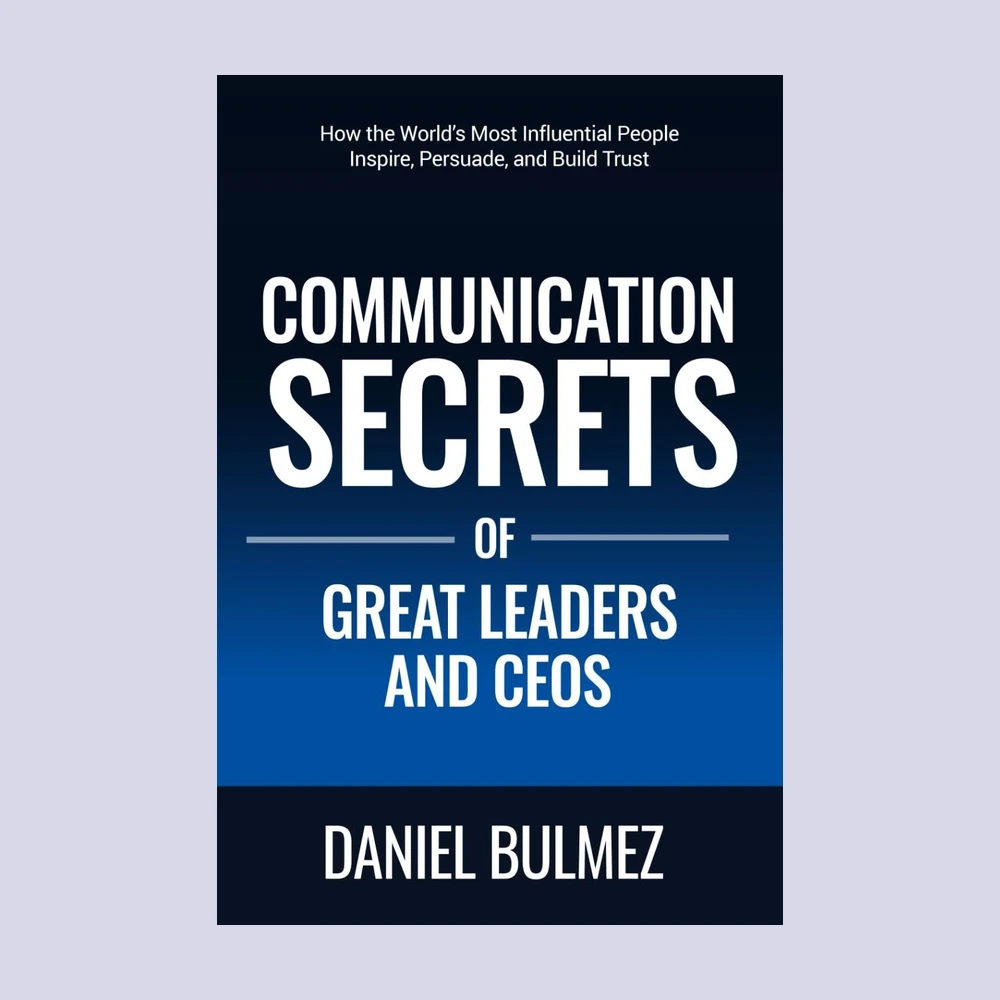
Communication Secrets of Great Leaders and CEOs is built around exactly this — the language patterns leaders use to be understood immediately, in writing and in the room, without three extra sentences of cushioning. If you want the deeper playbook, Communication Secrets of Great Leaders and CEOs breaks it down in full, alongside the communication skills this article builds on.
Daniel Bulmez is the author of Communication Secrets of Great Leaders and CEOs, available on Amazon.



Leave a comment
Your email address will not be published. Your first comment is read before it appears; after that they show straight away.